
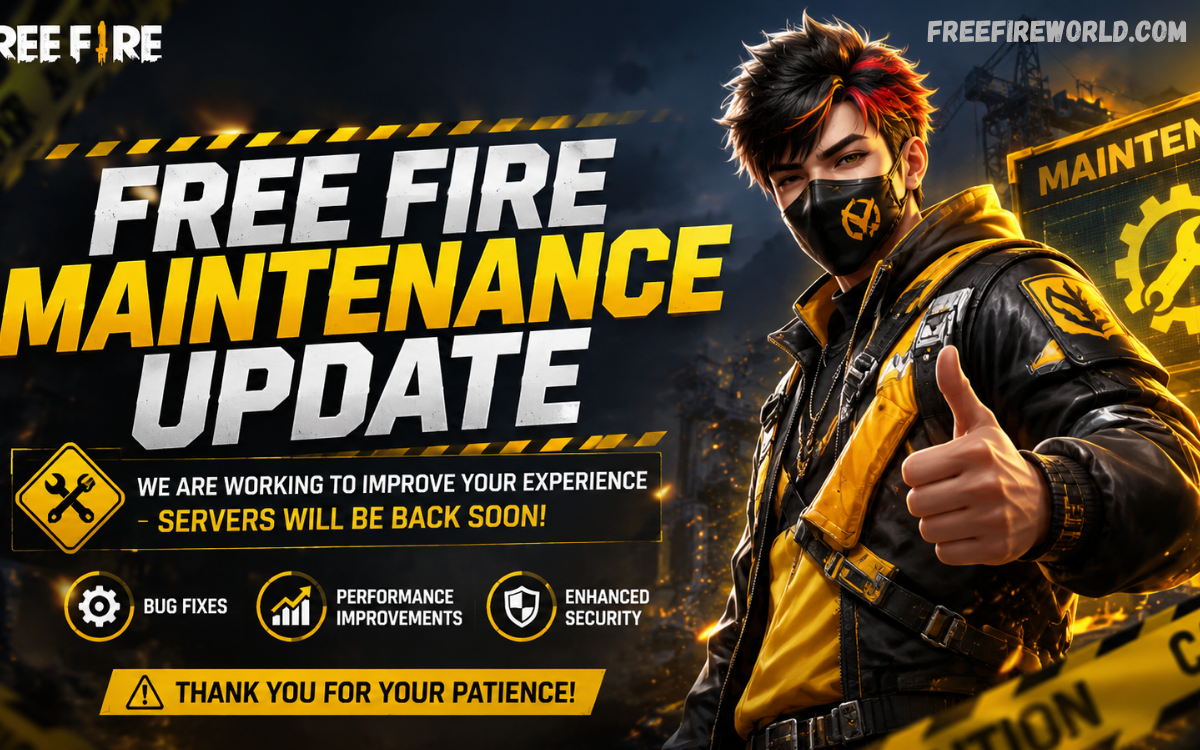
A Free Fire maintenance update is an important part of the game’s regular development cycle. During maintenance, Garena temporarily takes game servers offline to apply technical improvements, introduce new content, fix bugs, optimize performance, and prepare the game for upcoming events or major patches.
For players, maintenance can temporarily prevent login, matchmaking, ranked matches, events, and other online features from working normally. Garena regularly publishes announcements and patch notes through its official Free Fire channels, making these sources the best place to confirm an upcoming update or server-related announcement.
What Is a Free Fire Maintenance Update?
A Free Fire maintenance update is a scheduled period during which Garena works on the game’s servers and systems. The maintenance process can include installing a major game version, correcting technical problems, improving server stability, optimizing gameplay systems, or preparing new features.
Maintenance is different from an ordinary application update. A store update changes files on the player’s device, while server maintenance focuses primarily on the online infrastructure that connects players to the game. Sometimes both activities happen around the same update cycle.
Why Does Free Fire Go Into Maintenance?
The main purpose of maintenance is to keep the game stable and prepare it for future content. A large multiplayer game requires regular technical work because millions of players interact with shared servers, matchmaking systems, events, accounts, and other online services.
Maintenance can also help developers implement balance adjustments, improve existing features, resolve bugs, and prepare new gameplay content. Major updates can therefore require temporary server downtime before the new version becomes fully available.
Free Fire Maintenance Update Timing
Maintenance timing depends on the specific update and region. Garena may announce a maintenance window before a major patch, but the exact schedule should always be checked through an official announcement rather than relying on social media posts or unofficial websites.
Players should remember that maintenance does not necessarily begin at the same time for every region. Server infrastructure, regional deployment, app-store availability, and update requirements can affect when players receive access to the new version.
What Happens During Maintenance?
When Free Fire servers are under maintenance, players may be unable to access online game features. Login, matchmaking, ranked modes, events, and other connected services can become temporarily unavailable.
A maintenance screen or connection message may appear when players attempt to open the game. This does not automatically mean that an account has a problem. In many cases, temporary access restrictions simply indicate that server-side work is taking place.
What Changes After a Maintenance Update?
The changes depend on the purpose of the maintenance. A major OB update can introduce new features, gameplay adjustments, character changes, item modifications, event content, interface improvements, and other improvements.
For example, Garena’s official OB54 patch-note listing confirms that OB54 was published as a major patch in June 2026. Garena’s website also lists earlier OB53 and OB52 patches, demonstrating the game’s regular update cycle.
Free Fire Maintenance Update and New Features
Major maintenance periods are often connected with new content. Developers may use the downtime to deploy systems that support upcoming events, gameplay features, interface changes, or seasonal activities.
Garena’s 2026 announcements demonstrate how Free Fire continues receiving new campaigns and content throughout the year. Recent official announcements have included anniversary celebrations, themed campaigns, collaborations, and other game activities.
How to Check Free Fire Server Status
The most reliable way to check a Free Fire maintenance update is through official Garena communication. The official Free Fire website provides a dedicated news area containing announcements and patch notes.
Players can also check the game after the announced maintenance window has ended. If the game still displays a maintenance message, the maintenance may have been extended or the new version may not yet be available in that region.
What to Do When Free Fire Is Under Maintenance
Players do not need to take complicated steps when the servers are officially under maintenance. The best approach is to wait for the announced maintenance period to finish and then check for an available game update.
If a new version is released through Google Play or the App Store, players should install the official update from their device’s authorized app marketplace. Garena has previously advised players to update promptly to regain access to features that are unavailable on an older version.
Why Can Maintenance Take Longer Than Expected?
Maintenance schedules are estimates rather than guarantees. Developers may discover unexpected technical issues while deploying an update, requiring additional testing or server work before reopening the game.
Extending maintenance can be preferable to reopening servers while a serious technical problem remains unresolved. Although delays can be frustrating, additional testing can help protect account data, matchmaking stability, and overall game performance.
Free Fire Maintenance Update and Game Performance
Server maintenance can contribute to better overall stability, but it does not guarantee that every player will experience improved performance. Device hardware, network quality, background applications, storage space, and regional connectivity can also influence gameplay.
If the game remains slow after an update, players should first determine whether the issue affects the entire service or only their individual connection. A widespread outage suggests a server-side problem, while an isolated connection issue may require checking the player’s own network or device.
Do You Need to Update Free Fire Immediately?
When a new version becomes mandatory, players generally need to update before continuing to access the game. Garena’s historical update announcements show that obligatory update periods can eventually require players to move from an older version to the latest supported version.
During some update cycles, there can be a transition period when the older server remains available. However, features may be restricted, and players using different versions may not be able to play together.
Therefore, updating soon after the official release is usually the most practical approach.
Free Fire Maintenance Update for New Players
New players may think a maintenance message indicates a problem with their account or device. In most cases, an official maintenance notice simply means that the game’s online services are temporarily unavailable.
New players should wait until the maintenance period ends, update the application if necessary, and then try logging in again. Checking official Garena announcements can also help confirm whether the game is undergoing planned maintenance.
Read Also: Free Fire Update This Month: Latest News, Features, Events & What Players Can Expect
Common Problems After a Free Fire Update
Some players may experience temporary problems immediately after a major update. These can include delayed downloads, login difficulties, connection errors, missing interface elements, or unusually high server traffic.
Such problems can occur because large numbers of players attempt to access the game immediately after maintenance ends. Developers may also continue making server-side adjustments after the initial release.
Free Fire Maintenance Update: Important Safety Tips
Players should be careful with websites claiming to provide secret maintenance bypasses, modified game files, or unofficial versions. These sources can create security and account risks and are not necessary for accessing the official game.
The safest approach is to use the official Free Fire application, official app stores, and Garena’s official announcements. Avoid entering account credentials on unknown websites simply because they claim to reveal an early server opening time.
Latest Free Fire Update Information
Garena’s official Free Fire website currently lists OB54 Patch Notes dated June 23, 2026, alongside other 2026 announcements and updates. The official site also continues to publish announcements covering new campaigns, collaborations, and other developments.
Because maintenance schedules can change, readers looking for a specific current maintenance window should verify the latest announcement directly before publishing an exact date or time. This is particularly important for SEO articles because outdated maintenance information can quickly become inaccurate.
Frequently Asked Questions
What is a Free Fire maintenance update?
A Free Fire maintenance update is a scheduled period when Garena performs server maintenance, applies technical changes, fixes problems, or deploys new game content. During this period, some or all online features may temporarily become unavailable.
Why is Free Fire under maintenance?
Free Fire can enter maintenance when developers need to deploy a major update, fix technical issues, improve server stability, optimize systems, or prepare new content. Maintenance helps ensure that the game operates correctly after changes are introduced.
Can I play Free Fire during maintenance?
Usually, players cannot access normal online features while the relevant servers are under maintenance. Access normally returns after the maintenance process is completed and the required update is available.
How can I check Free Fire maintenance status?
The best method is to check Garena’s official Free Fire website and its latest announcements or patch notes. These official sources are more reliable than unofficial posts claiming specific server-opening times.
Do I need to update Free Fire after maintenance?
If Garena releases a new mandatory version, players need to update the game before continuing to play. Previous Garena update timelines show that obligatory updates can eventually prevent access through older versions.
Why is Free Fire still not working after maintenance?
The servers may still be reopening, the update may not yet be available in a particular region, or heavy traffic may be affecting access. Checking official announcements before troubleshooting can help determine whether the issue is widespread.
Does maintenance improve Free Fire performance?
Maintenance can improve server stability and resolve technical problems, but individual performance also depends on device specifications, network quality, storage, and other factors.
Where can I find official Free Fire patch notes?
Garena publishes Free Fire patch notes and announcements through its official website. The official news section currently lists multiple 2026 patch notes, including OB54.
Is Free Fire maintenance normal?
Yes. Regular maintenance is a normal part of operating an online multiplayer game. It allows developers to make technical changes and prepare the game for future content without keeping all services permanently active during deployment.
Should I trust websites offering a maintenance bypass?
Players should avoid unofficial methods claiming to bypass server maintenance. Use the official game application and Garena’s verified announcements instead of modified files, unauthorized applications, or suspicious websites.
Conclusion
A Free Fire maintenance update is an essential part of keeping the game reliable, secure, and ready for new content. Maintenance can involve server improvements, bug fixes, performance optimization, major OB-version deployment, and preparation for upcoming features.
Players should not panic when Free Fire becomes temporarily unavailable during scheduled maintenance. Checking official Garena announcements, installing the latest legitimate version, and waiting for the servers to reopen are generally the appropriate steps.
