
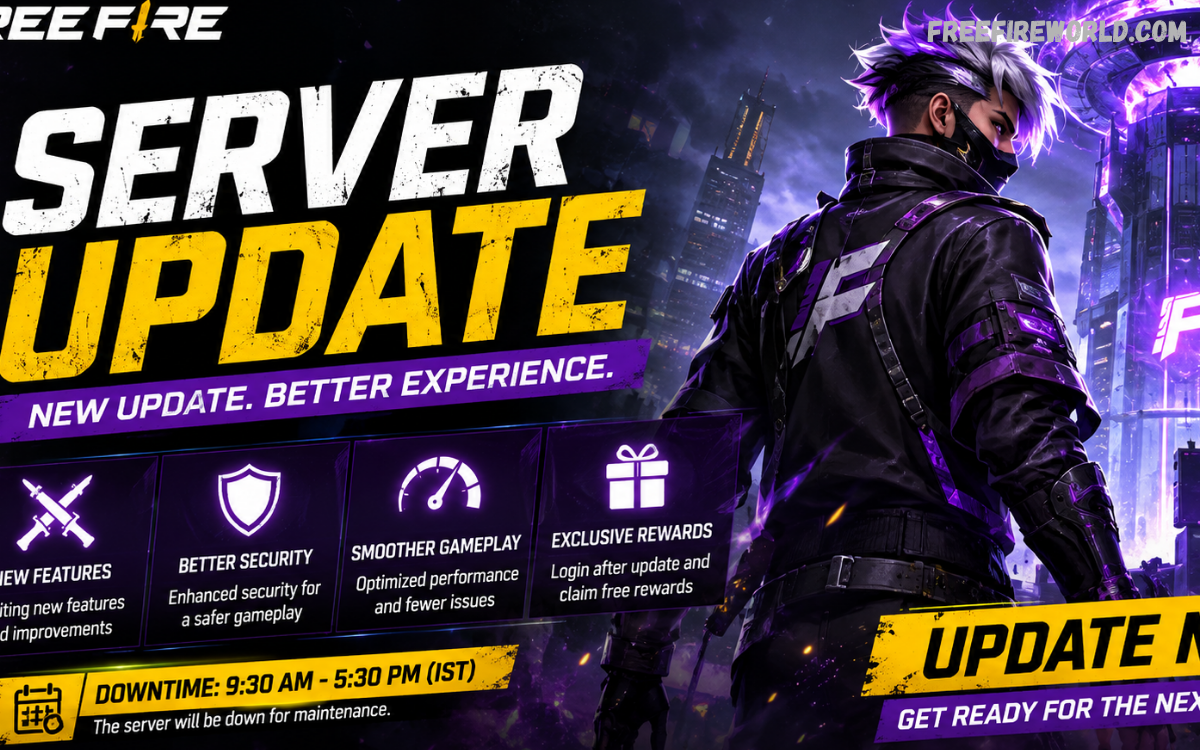
A Free Fire server update plays an important role in keeping the game stable, secure, and enjoyable for millions of players. Garena regularly performs server maintenance, technical upgrades, content updates, and security improvements to deliver better gameplay.
Players may notice temporary login problems, maintenance messages, matchmaking delays, or unavailable game modes during a server update. These interruptions are generally temporary and allow developers to implement new content, fix technical problems, and improve overall server performance.
What Is a Free Fire Server Update?
A Free Fire server update is a technical process used to modify, improve, maintain, or repair the game’s online infrastructure. Server-side changes can improve connectivity, matchmaking, security, account services, events, and gameplay stability.
Unlike a regular application update, some server changes happen without requiring players to download a large new file. Garena can make certain adjustments directly on its servers while other updates require players to install a new game version.
Why Does Free Fire Need Server Maintenance?
Regular maintenance helps developers keep Free Fire running reliably across different regions and devices. Online games depend on large server networks that continuously process player accounts, matchmaking requests, game sessions, purchases, events, and other services.
Maintenance can also address technical issues affecting gameplay. Developers may optimize server performance, repair backend problems, improve matchmaking systems, or strengthen security against unauthorized activities.
Free Fire Server Update and Maintenance Schedule
Garena generally announces important maintenance periods through official communication channels, in-game notifications, or update announcements. Exact timing can vary depending on the update, region, server infrastructure, and technical requirements.
Players should always check official Free Fire announcements when maintenance is expected. Third-party websites and social media posts can sometimes publish incorrect schedules, outdated information, or unverified claims.
What Happens During Free Fire Server Maintenance?
During server maintenance, players may be unable to access certain online services. Login systems, matchmaking, events, ranked modes, and other connected features can temporarily become unavailable.
Players may receive a maintenance notification when attempting to enter the game. Seeing this message does not necessarily mean there is a problem with the player’s device or internet connection.
Free Fire Server Update: New Features
Major updates can introduce a wide range of new features to Free Fire. These may include new characters, weapons, game modes, maps, events, interface changes, balance adjustments, and performance improvements.
New content often requires server-side configuration before becoming available to players. This is why a game may display new information immediately after an update while some features remain temporarily unavailable.
Free Fire Server Update and Game Performance
Server updates can improve online performance by optimizing the systems responsible for matchmaking and game sessions. Better server management can contribute to more stable connections and smoother multiplayer experiences.
However, a server update cannot automatically fix every lag problem. Device performance, Wi-Fi quality, mobile data, background applications, network congestion, and geographic distance from servers can also affect gameplay.
Why Can’t I Log In After a Free Fire Server Update?
Login problems are common during active maintenance because account services may be temporarily disabled. Players should first confirm whether an official maintenance period is currently underway.
If maintenance has ended but login problems continue, restarting the game can be a useful first step. Players should also check for a required game update through their device’s official app store.
Free Fire Server Update and Matchmaking Issues
Matchmaking depends heavily on server availability and player populations. After a major update, high traffic can temporarily increase waiting times as large numbers of players attempt to access the game simultaneously.
Some game modes may also remain unavailable until their supporting systems are fully activated. This can happen when developers gradually roll out new features after completing maintenance.
Server Updates and Free Fire Events
Events frequently depend on server-side systems, making maintenance important before major campaigns begin. Developers may use updates to activate event missions, rewards, challenges, login bonuses, and limited-time content.
An event may appear in the game only after the relevant server configuration becomes active. Players should therefore avoid assuming that missing event content indicates an account problem.
Free Fire Server Update Rewards
Some major updates or maintenance periods may be accompanied by login bonuses, event rewards, or promotional activities. Reward availability depends on Garena’s specific update and event plans.
Players should never trust websites promising unlimited diamonds or special rewards in exchange for account credentials. Legitimate rewards are normally distributed through official game systems, recognized events, or authorized promotional channels.
How to Check Free Fire Server Status
The easiest way to determine whether an issue is related to maintenance is to check official Free Fire communication channels. Garena may publish maintenance announcements, patch information, service notices, or event updates through its official platforms.
Players can also check whether other users are experiencing the same problem. Widespread login or matchmaking issues often indicate a server-side problem rather than an individual device issue.
What Should Players Do Before a Server Update?
Players should complete important matches before the announced maintenance window begins. Competitive players should avoid starting matches close to the scheduled shutdown because maintenance can interrupt access.
Keeping the game updated through an official app store is another useful preparation step. Sufficient device storage can also prevent problems when downloading a large game update.
What Should Players Do After a Free Fire Server Update?
After maintenance ends, restart Free Fire and check whether a new version is available. Installing the official update ensures that the game client is compatible with the updated server environment.
Players should allow additional resources to download if the game requests them. Closing unnecessary background applications can also help devices allocate more resources to the game.
Free Fire Server Update and Security Improvements
Security is an important part of maintaining an online multiplayer game. Server updates can strengthen systems designed to detect suspicious behavior, protect accounts, and maintain fair gameplay.
Developers can also improve monitoring systems through backend changes. These systems help identify unusual activity and protect the competitive environment.
Read Also: Free Fire Maintenance Update: Latest Server Status, Changes, Timing & What Players Should Know
Free Fire Server Update for Different Regions
Free Fire operates across multiple regions, and update timing may not always be identical everywhere. A maintenance period announced for one region should not automatically be assumed to apply to every server.
Regional differences can affect event availability, update timing, matchmaking, and other online services. Players should therefore follow announcements relevant to their specific version of Free Fire.
Common Problems After a Free Fire Server Update
Players may encounter several temporary issues after a major update. Common examples include login errors, delayed matchmaking, missing event content, download problems, connection interruptions, and occasional crashes.
Most problems can be resolved by updating the game, restarting the device, checking the internet connection, or waiting for server traffic to stabilize. If an issue affects many players, additional developer maintenance may be required.
Tips for a Smooth Free Fire Update
Keep Free Fire installed through an official distribution platform and maintain enough storage space for updates. Use a reliable internet connection when downloading large update packages.
Restart the device after completing a major update if the game behaves unusually. Closing background applications can also improve device performance during gameplay.
Importance of Free Fire Server Updates
Server updates are essential for the long-term development of Free Fire. They allow developers to introduce new content while improving stability, security, matchmaking, and backend infrastructure.
Without regular maintenance, technical problems could accumulate and negatively affect the player experience. Scheduled updates provide developers with opportunities to improve the game’s online ecosystem.
Frequently Asked Questions
What is a Free Fire server update?
A Free Fire server update is a technical change to the game’s online infrastructure that can improve performance, security, matchmaking, or content availability. Some updates require a client download, while others can be implemented primarily on the server side.
Why is Free Fire server maintenance required?
Server maintenance allows developers to deploy improvements, repair technical problems, optimize infrastructure, and prepare new content. Temporary downtime helps ensure that major changes can be introduced safely.
How long does Free Fire server maintenance take?
Maintenance duration depends on the size and complexity of the update. Major updates can require several hours, while smaller maintenance tasks may finish more quickly.
Can I play Free Fire during server maintenance?
Players generally cannot access online Free Fire services while scheduled maintenance is active. Access normally returns after developers complete deployment and testing.
Why can’t I log in after a Free Fire server update?
Login problems can occur because maintenance is still active, servers are experiencing heavy traffic, or the game requires a new version. Checking official announcements and installing the latest official update can help identify the cause.
Does a server update improve Free Fire ping?
Server-side optimization can improve network stability in some circumstances, but ping also depends on internet quality, network congestion, device configuration, and distance from the game server. A server update therefore cannot guarantee lower ping for every player.
Will Free Fire server updates add new features?
Major updates often introduce new features, events, characters, weapons, modes, or gameplay adjustments. The exact changes depend on the official patch associated with each update.
Are Free Fire update rewards real?
Official events may provide legitimate rewards connected to an update or maintenance period. Players should avoid websites promising unlimited diamonds or rewards in exchange for account information.
How can I check the Free Fire server status?
Players should check official Free Fire announcements for maintenance notices and service information. If many players report the same issue, the problem may be related to server availability rather than an individual device.
What should I do if Free Fire still does not work after maintenance?
Restart the game and device, verify the internet connection, and check whether an official game update is available. If the problem continues, wait for official troubleshooting information or support from Garena.
Conclusion
A Free Fire server update can bring important technical improvements, new content, security changes, and gameplay enhancements. Temporary maintenance or login problems are often normal when developers deploy major changes to the game’s online infrastructure.
Players should rely on official announcements for maintenance schedules, patch information, and event details. Keeping the game updated, maintaining a stable connection, and avoiding unofficial tools can help ensure a smoother experience after every server update.
