

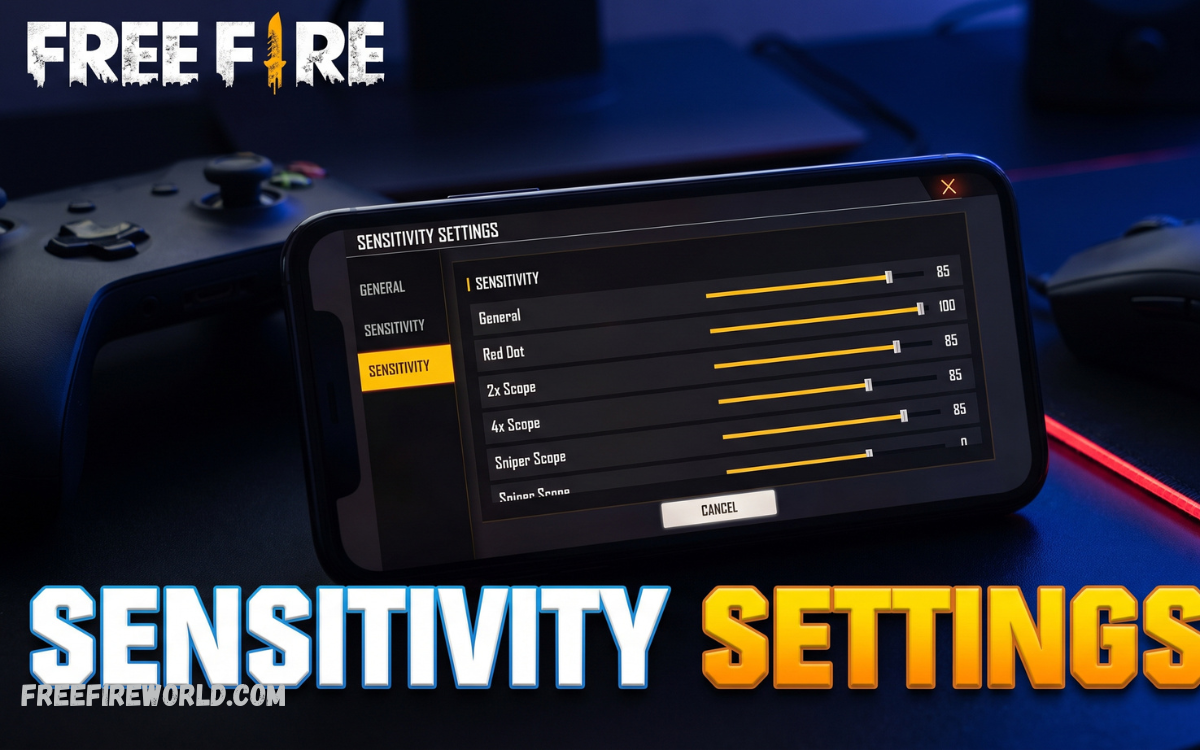
Finding the Best Free Fire Sensitivity Settings for Smooth Gameplay can make a major difference in aiming, movement, reaction time, and overall combat performance. Sensitivity controls how quickly your crosshair responds when you move your finger across the screen.
There is no single setting that works perfectly for every player because screen size, touch response, frame rate, device performance, and personal playing style can affect how sensitivity feels. A good setup should therefore be treated as a starting point and adjusted through practice.
Recommended Free Fire Sensitivity Settings
For players looking for a balanced configuration, the following setup is a strong starting point on the commonly used 200-point sensitivity scale. It provides a combination of quick movement, responsive aiming, and reasonable control for close, medium, and long-range fights.
General: 190
Red Dot: 180
2x Scope: 165
4x Scope: 145
Sniper Scope: 90
Free Look: 120
These numbers are not a guaranteed headshot configuration. They are designed to provide responsive controls while leaving enough room for controlled adjustments. Current community guides also emphasize that sensitivity should be personalized according to the device and player’s movement style.
General Sensitivity for Faster Movement
General sensitivity affects the overall speed of your crosshair and camera movement when you are not using a specific scope. A higher value can make quick turns, enemy tracking, and drag movements feel faster, which is especially useful during aggressive close-range battles.
A setting around 190 is a good starting point for players who prefer fast gameplay. If your crosshair frequently moves past the enemy, reduce it gradually by 5 points. If your aim feels slow or difficult to move toward an opponent, increase it gradually instead of immediately using the maximum value.
Red Dot Sensitivity for Close-Range Fights
Red Dot sensitivity is particularly important during close and medium-range engagements. It controls how quickly your aim responds when using the Red Dot sight, making it important for SMG fights, shotgun battles, and fast drag movements.
A Red Dot value around 180 provides quick target movement without making the crosshair excessively difficult to control. Players who frequently overshoot the enemy’s head can reduce this setting, while players whose aim remains around the chest can increase it slightly.
2x Scope Sensitivity for Mid-Range Combat
The 2x Scope is useful when fighting enemies at medium distances, where accuracy and quick target tracking are both important. If the sensitivity is too high, small finger movements can cause the crosshair to move too far.
Starting around 165 creates a useful balance between speed and stability. Players using assault rifles can experiment within a range of approximately 150–175 until they find a value that allows them to follow moving enemies without excessive crosshair movement.
4x Scope Sensitivity for Better Stability
The 4x Scope requires more controlled movement because the increased magnification makes small movements more noticeable. Using extremely high sensitivity can make long-range aiming unstable and cause players to lose their target.
A starting value of 145 can provide a comfortable balance for long-range engagements. If your crosshair shakes or moves too quickly, lower the setting in small increments. If tracking feels unnecessarily slow, raise it by 5 points and test again.
Sniper Scope Sensitivity for Precision
Sniper weapons require careful and deliberate movements rather than extremely fast sensitivity. A lower Sniper Scope value generally makes it easier to make small corrections while aiming at distant targets.
Try 90 as a starting point and adjust it according to your comfort. Players who use sniper rifles frequently may prefer lower values for precision, while aggressive sniper players may want slightly higher sensitivity for faster target switching.
Free Look Sensitivity for Better Awareness
Free Look sensitivity controls how quickly you can look around while moving. It is useful for checking your surroundings, watching for opponents, and maintaining awareness during rotations.
A setting around 120 provides reasonably quick environmental scanning without making the camera feel excessively sensitive. Players who constantly check behind them or scan buildings may prefer a higher value, while beginners can start lower until they become comfortable.
Best Sensitivity for Low-End Devices
Low-end devices can sometimes experience inconsistent frame rates or touch response, which may change how sensitivity feels during intense fights. Instead of copying settings designed for a powerful device, players should focus on maintaining control and reducing unnecessary movements.
A practical starting setup can be General 195, Red Dot 185, 2x Scope 165, 4x Scope 140, Sniper Scope 85, and Free Look 115. If the device feels unstable, lower individual settings gradually rather than changing every slider simultaneously.
Best Sensitivity for Mid-Range Devices
Mid-range smartphones generally provide a good balance between performance and touch responsiveness. Players using these devices can normally use moderately high sensitivity while maintaining enough control for accurate shooting.
Try General 190, Red Dot 180, 2x Scope 165, 4x Scope 145, Sniper Scope 90, and Free Look 120 as a balanced configuration. This setup works well as a starting point for players who combine aggressive rushing with medium-range fights.
Best Sensitivity for High-End Devices
High-end phones with fast processors and high-refresh-rate displays can provide smoother touch responses. However, having a powerful device does not mean every sensitivity slider should be set to maximum.
A balanced high-end configuration can begin around General 185, Red Dot 175, 2x Scope 160, 4x Scope 140, Sniper Scope 85, and Free Look 115. Lower sensitivity can sometimes provide better precision when the device already delivers smooth and responsive input.
Read Also: Free Fire OB56 Patch Notes: Latest Update, Features, Release Status & More
Best Sensitivity for Headshots
Get Sensitivity Here
Headshots depend on more than sensitivity alone. Crosshair placement, drag speed, fire-button position, movement, weapon choice, and practice all contribute to consistent accuracy. There is no universal sensitivity that automatically produces perfect headshots.
For aggressive drag-shot gameplay, prioritize General and Red Dot sensitivity. Keep your crosshair around the upper chest area and use a short, controlled upward drag while firing. If the crosshair goes above the head repeatedly, reduce the sensitivity slightly.
Best Settings for One-Tap Headshots
One-tap gameplay requires fast crosshair movement combined with precise finger control. Excessively high sensitivity can make the crosshair jump past the target, while very low sensitivity can make quick adjustments difficult.
A useful starting setup is General 190, Red Dot 180, 2x Scope 160, 4x Scope 140, Sniper Scope 85, and Free Look 115. Spend time practicing short upward movements instead of making long or sudden drags.
How to Adjust Sensitivity Correctly
The best way to customize sensitivity is to change one setting at a time. Start with General sensitivity and test your movement, then adjust Red Dot for close-range fights before moving to the 2x and 4x scopes.
Avoid changing all six sliders after every match because you will not know which adjustment improved or damaged your aim. Small changes of 3–5 points can make the difference between controlled movement and excessive crosshair movement.
Sensitivity and Fire Button Size
Sensitivity works together with your HUD layout and fire-button size. A poorly positioned fire button can make even excellent sensitivity settings difficult to use because your finger may not have enough space for a consistent drag.
Experiment with a fire button around 45–55% as a starting point, then adjust according to your screen size and finger movement. The goal is to make firing comfortable while leaving enough space for controlled upward and diagonal movements.
How to Test Your Sensitivity
The Training Ground is one of the best places to test sensitivity before using a new setup in ranked matches. Practice standing targets first, then move to targets at different distances and test your tracking ability.
Spend around 10–20 minutes testing your settings before making another adjustment. Community recommendations similarly emphasize training and gradual fine-tuning instead of constantly copying other players’ configurations.
Common Sensitivity Mistakes to Avoid
One of the biggest mistakes is assuming that maximum sensitivity automatically means better headshots. Extremely high values can make aiming unstable, especially when players are trying to make small corrections at medium or long distances.
Another mistake is changing sensitivity too frequently. Your fingers need time to develop muscle memory, so constantly switching between different configurations can make your aim inconsistent. Choose a reasonable setup and practice with it before making major changes.
Tips for Smoother Free Fire Gameplay
Sensitivity alone cannot eliminate lag or frame drops. Keep unnecessary background applications closed, avoid overheating your device, and use graphics settings that your phone can maintain consistently during matches.
Stable performance is often more useful than simply increasing sensitivity. When your frame rate and touch response remain consistent, it becomes easier to develop muscle memory and understand exactly how far your crosshair will move.
Frequently Asked Questions
What is the best Free Fire sensitivity for smooth gameplay?
A balanced starting point is General 190, Red Dot 180, 2x Scope 165, 4x Scope 145, Sniper Scope 90, and Free Look 120. You should adjust these values according to your device and playing style.
Is 200 sensitivity good for Free Fire?
A sensitivity of 200 can provide very fast movement, but it is not automatically better. Some players may find maximum sensitivity difficult to control, especially when making precise long-range adjustments.
Which sensitivity is best for headshots?
General and Red Dot sensitivity are particularly important for drag-shot headshots. A starting combination around 190 General and 180 Red Dot can work well, but individual players should fine-tune these values through practice.
Should low-end phones use high sensitivity?
Low-end phones can benefit from responsive sensitivity, but maximum values are not always necessary. Start with moderately high sensitivity and adjust it according to how smoothly your device responds during combat.
What is the best Red Dot sensitivity?
A Red Dot sensitivity between approximately 170 and 190 is a useful starting range for many players. Higher values can help with quick movements, while slightly lower values may provide better control.
What sensitivity is best for sniper weapons?
Sniper Scope sensitivity should generally prioritize precision over speed. Starting around 80–100 can provide a useful balance, but players should lower or raise it depending on how accurately they can make small adjustments.
Can sensitivity reduce recoil?
Sensitivity does not directly remove weapon recoil. However, suitable sensitivity can make it easier to control your aim and compensate for recoil through consistent finger movements.
Should I copy a professional player’s sensitivity?
You can use another player’s settings as a starting point, but copying them exactly does not guarantee the same results. Different screens, touch responses, frame rates, HUD layouts, and playing techniques can make identical settings feel completely different.
How often should I change my sensitivity?
Avoid changing your sensitivity after every match. Give a new configuration enough practice time to develop muscle memory, then make small adjustments when you identify a specific problem with your aim.
Does sensitivity guarantee headshots?
No sensitivity setting can guarantee headshots. Accuracy depends on practice, crosshair placement, reaction time, movement, weapon control, HUD design, and the player’s ability to consistently perform the correct drag or aiming movement.
Conclusion
The Best Free Fire Sensitivity Settings for Smooth Gameplay should provide a balance between fast reactions and precise control. A strong starting configuration is General 190, Red Dot 180, 2x Scope 165, 4x Scope 145, Sniper Scope 90, and Free Look 120.
Remember that sensitivity is highly personal, so these numbers should be adjusted rather than treated as permanent settings. Test them in Training Ground, make small changes, and give yourself enough time to develop muscle memory.
