
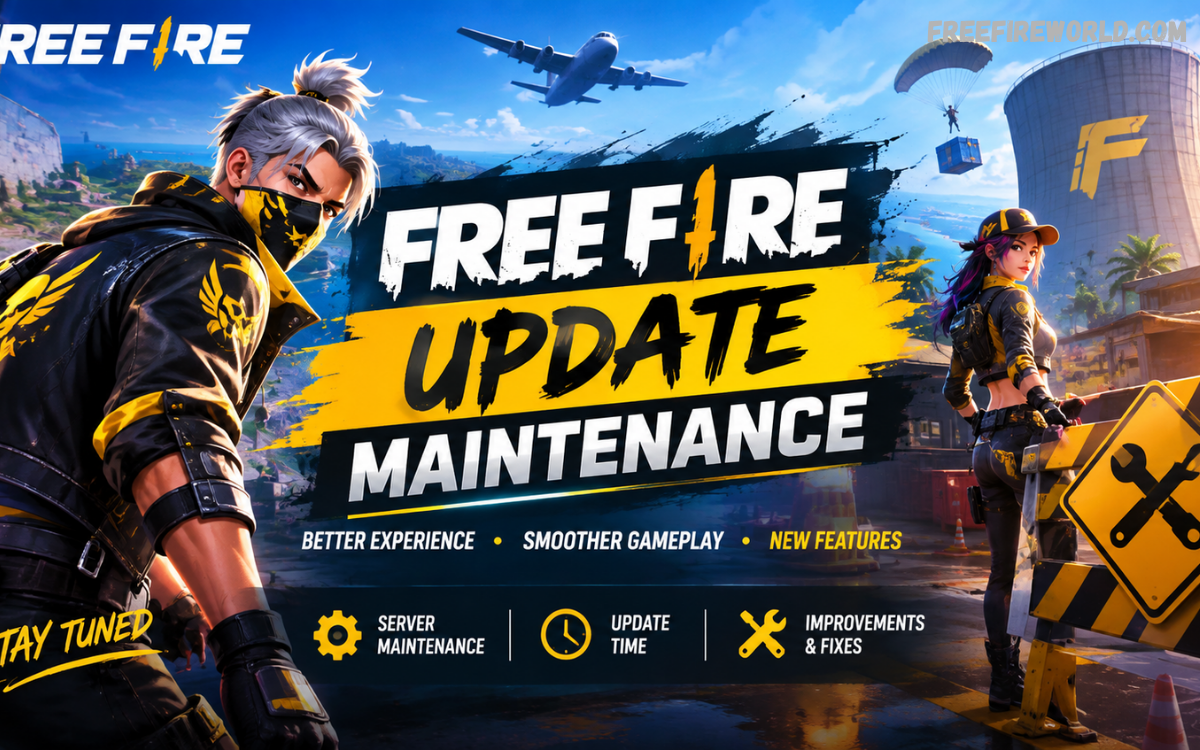
Free Fire update maintenance is an important process that keeps the game stable, secure, and ready for new content. During maintenance, Garena can apply technical improvements, introduce gameplay changes, fix reported issues, optimize servers, and prepare new events for players.
Players may temporarily lose access to matches, login services, events, or other online features during a maintenance period. Understanding how maintenance works helps players avoid confusion and recognize the difference between scheduled maintenance, an update, and an unexpected server problem.
What Is Free Fire Update Maintenance?
Free Fire update maintenance refers to a temporary service period used to make important changes to the game environment. Developers can use this period to deploy new game files, improve server performance, resolve technical problems, and prepare features connected with an upcoming update.
Maintenance commonly appears around major game updates because large changes require coordinated server and client-side adjustments. Garena publishes official announcements and patch notes for major updates, including OB-series releases, through its official Free Fire channels.
Why Does Free Fire Need Maintenance?
Online games require regular technical maintenance because millions of players interact with shared servers, matchmaking systems, events, accounts, and game services. Maintenance gives developers an opportunity to apply changes without keeping players connected while important backend work is taking place.
A major update can include new gameplay systems, character adjustments, interface improvements, event content, and technical optimization. For example, Garena’s 2026 patch notes have included Battle Royale changes, quick-message improvements, login systems, and other gameplay adjustments.
Free Fire Update Maintenance and New Content
One major purpose of maintenance is preparing new content for players. A substantial update can introduce new characters, maps, gameplay mechanics, events, cosmetic items, interface features, and temporary activities that become available after the update is completed.
Garena’s Undersea Mystery update demonstrates how extensive an update can be, adding an Undersea Realm, Hydro Zone, new character Ray, a Login Streak system, themed collectibles, and event features. These additions require coordinated game and server changes before becoming available.
How Long Does Free Fire Maintenance Take?
The duration of Free Fire update maintenance can vary depending on the size and complexity of the changes. A smaller technical maintenance period may require less time, while a major version update can involve extensive server preparation, game-file deployment, testing, and regional synchronization.
Players should avoid assuming that every maintenance period will finish at an identical time. Official Garena announcements and in-game notifications are better sources for update information because maintenance schedules can change when technical work requires additional time.
What Happens During Free Fire Maintenance?
During Free Fire update maintenance, certain online services can become temporarily unavailable. Players may see login errors, connection messages, inaccessible matchmaking, unavailable events, or other temporary restrictions while the servers are being updated.
This does not necessarily indicate that an account or device has a permanent problem. When maintenance is active, waiting for the official service restoration is normally more appropriate than repeatedly reinstalling the game or changing unrelated device settings.
Free Fire Maintenance vs Free Fire Update
Free Fire maintenance and a Free Fire update are closely connected, but they do not describe exactly the same thing. An update generally refers to new or modified game content, while maintenance describes the technical period during which developers deploy, configure, test, or stabilize changes.
A major update may require maintenance before players can access the new version. Garena’s official news page separates announcements, patch notes, DevBlogs, and collaborations, showing that different types of game changes can be communicated through dedicated official channels.
Why Players Cannot Enter the Game During Maintenance
Players may be unable to enter Free Fire when servers are temporarily closed for maintenance because continuing normal gameplay could interfere with technical deployment. Restricting access gives developers a controlled environment for applying changes and checking important services.
Temporary login restrictions also help prevent players from entering different versions of the game at the same time. Once the required work is complete and services are restored, players can normally access the updated game according to the applicable regional rollout.
How to Check Free Fire Maintenance Status
The safest way to check Free Fire maintenance information is through official Garena communication channels. The official Free Fire website publishes announcements and patch notes that can provide information about major updates, events, and game changes.
Players should be careful with unofficial posts claiming exact maintenance times without reliable confirmation. Garena’s official news section currently lists announcements and patch notes, making it a useful reference when checking whether a major update has been officially communicated.
Free Fire Maintenance for Major OB Updates
OB updates are among the most important update cycles in Free Fire because they can introduce substantial gameplay changes. Major releases can affect Battle Royale systems, Clash Squad features, characters, weapons, interfaces, events, and other elements of the overall experience.
Garena’s official patch-note archive shows multiple OB releases, including OB52, OB53, and OB54 during 2026. The archive demonstrates how major versions are documented through official patch notes containing detailed gameplay and system changes.
What Players Should Do Before Maintenance
Players can prepare for maintenance by finishing important activities before the announced downtime begins. It is useful to check official announcements, complete time-sensitive tasks when possible, and make sure the game is updated through the appropriate official app store after the new version becomes available.
Players should also avoid relying on unverified download files or suspicious third-party sources claiming to provide early versions. Using official distribution channels reduces the risk of installing modified or unreliable game files and keeps the update process more straightforward.
What Happens After Free Fire Maintenance?
After maintenance ends, the game can become available with the newly deployed content and technical improvements. Players may notice changes to the lobby, menus, events, gameplay systems, characters, maps, or other areas depending on the scope of the update.
Some features may become available gradually according to event schedules or regional deployment. For example, Garena’s 2026 updates have introduced event-specific gameplay and systems rather than simply changing one isolated part of the game.
Why Free Fire May Ask for an Additional Update
After maintenance, players may sometimes receive an additional download or update request. This can happen when the installed game version does not match the current server version or when additional content needs to be downloaded before access is restored.
Large updates can include substantial changes that cannot always be delivered through a single small background download. Players should use the official app distribution channel available for their device and allow the update to complete normally before attempting to enter the game.
Free Fire Maintenance and Server Stability
Server stability is one of the most important reasons for planned maintenance. A multiplayer game depends on reliable communication between players, game servers, matchmaking services, account systems, and event infrastructure.
Technical optimization can help developers improve the overall reliability of these systems. Garena describes Free Fire as a multiplayer survival shooter supporting Battle Royale, Clash Squad, and other modes, making stable online infrastructure essential for normal gameplay.
Free Fire Maintenance and Bug Fixes
Bug fixing is another important part of regular maintenance. Developers can identify problems involving gameplay mechanics, user interfaces, matchmaking, events, animations, sound, performance, or other game systems and then include fixes within an update.
Patch notes can provide useful information about these adjustments. Garena’s OB53 patch notes, for example, document changes involving quick messages, device behavior, tactical systems, sound optimization, loot areas, and other gameplay elements.
Why Free Fire Maintenance Can Improve Gameplay
Maintenance can improve gameplay by allowing developers to deploy technical changes that support smoother operation. Improvements may involve performance optimization, interface adjustments, gameplay balancing, server-side changes, or fixes for problems discovered during normal operation.
The result can be a more reliable experience after the maintenance period. However, players should remember that no update can guarantee that every device or connection will perform identically because hardware, operating-system versions, network quality, and regional conditions can also influence gameplay.
Free Fire Maintenance and Events
Free Fire frequently connects major updates with limited-time events and seasonal activities. Maintenance can prepare the backend systems required for these events, allowing new missions, rewards, interfaces, maps, or themed activities to become available at the appropriate time.
Garena’s official announcements show how updates can introduce large themed campaigns, including the Undersea Mystery event and the 9th Anniversary celebration. These campaigns combined new gameplay systems, rewards, events, and visual changes within broader update cycles.
Can Players Play Free Fire During Maintenance?
Players generally cannot rely on normal online gameplay while scheduled server maintenance is actively restricting access. Even if the application opens on a device, online services such as matchmaking, account access, or event functions may remain unavailable until the relevant maintenance work has finished.
Trying repeatedly during an active maintenance period usually does not make the servers return faster. The better approach is to monitor official announcements and wait until Garena confirms that the required services have returned.
Why Free Fire Maintenance Times Can Change
Maintenance schedules are estimates because technical deployment can involve multiple systems. If developers discover an unexpected issue during testing or deployment, additional time may be required before the servers can safely return to normal operation.
Players should therefore treat unofficial countdowns carefully. An official announcement or updated status is more reliable than a social-media post that promises an exact restoration time without confirmation from Garena.
Free Fire Maintenance After a Major Patch
A major patch can require additional checks after the initial deployment. Developers need to ensure that important game systems communicate correctly and that newly introduced content works with the existing game environment.
Garena’s patch notes demonstrate the broad scope of some updates, covering Battle Royale, Clash Squad, system features, interfaces, and gameplay adjustments. Because multiple systems can change together, post-update stabilization is an important part of the overall release process.
Read Also: Free Fire Update Fixes: Complete Guide to Better Gameplay
What to Do If Free Fire Does Not Open After Maintenance
If Free Fire remains unavailable after an announced maintenance period, players should first check whether an official update is available. The next step is to verify the device’s internet connection and confirm that the installed application is using the current official version.
If the game continues showing a maintenance message, the service restoration may still be occurring in the player’s region. Checking official Garena information before making major device changes can help distinguish a server-side situation from an individual device problem.
Free Fire Maintenance and Internet Connection
A stable internet connection is important once maintenance ends because the game needs to communicate continuously with online services. A weak or unstable connection can create login problems that may look similar to server-related issues.
Players can first confirm that other online services work normally on their device. If other services operate correctly while Free Fire remains unavailable, checking official game announcements can help determine whether the issue is related to maintenance or the game version.
Free Fire Maintenance for Free Fire MAX
Free Fire MAX provides a more visually enhanced Free Fire experience and uses Firelink technology to connect with Free Fire players. Updates and maintenance therefore remain important for maintaining compatibility between game services and ensuring that supported features operate correctly.
Garena describes Free Fire MAX as a version focused on premium gameplay presentation, visual upgrades, and improved effects. Players using Free Fire MAX should still follow official update information rather than relying on unofficial modified versions or unknown installation packages.
Common Free Fire Maintenance Problems
Players may encounter several temporary problems around a major update, including login errors, slow downloads, unavailable events, missing features, connection messages, or unexpected interface changes. These issues can occur while servers and game files are transitioning to a new version.
Not every problem means that maintenance is still active. Some issues can result from an outdated application, network instability, device compatibility, or regional rollout differences, so checking the official update information is a useful first step.
How to Stay Updated About Free Fire Maintenance
Following official Free Fire communication channels is the most reliable approach for maintenance information. Garena’s official website provides dedicated sections for announcements and patch notes, allowing players to distinguish confirmed information from community speculation.
Players can also check the official game application and its associated store listing for update availability. Keeping notifications enabled for relevant official channels can make it easier to recognize major update announcements without depending entirely on third-party websites.
Free Fire Update Maintenance and Player Expectations
Every maintenance period does not necessarily introduce a dramatic gameplay transformation. Some maintenance work may focus mainly on backend improvements, stability, bug fixes, compatibility, security, or preparation for content that becomes available later.
Players should therefore avoid expecting a specific feature simply because maintenance is scheduled. The official patch notes provide a much clearer explanation of confirmed changes, while community discussions can contain speculation that has not been officially confirmed.
Importance of Official Free Fire Patch Notes
Official patch notes are valuable because they explain confirmed changes rather than relying on rumors. They can cover new gameplay mechanics, balance adjustments, system improvements, event features, character changes, interface modifications, and other important updates.
Garena’s official patch-note archive includes several OB releases and provides detailed information about changes associated with those versions. Reading these notes can help players understand what changed after maintenance instead of relying only on visual differences inside the game.
Frequently Asked Questions
What does Free Fire update maintenance mean?
Free Fire update maintenance means a temporary technical period during which developers work on game servers and related systems. It can involve deploying updates, fixing bugs, improving stability, preparing events, and introducing new features.
Why is Free Fire unavailable during maintenance?
Free Fire may become unavailable because developers need controlled access to the game infrastructure while technical changes are being applied. Temporary restrictions help prevent players from using incompatible versions or encountering problems during deployment.
How can I check Free Fire maintenance information?
The best option is checking official Garena Free Fire announcements and patch notes. These channels provide confirmed information about major updates, events, and game changes instead of relying on unverified claims.
Does maintenance always mean a major update?
No. Maintenance can support a major update, but it can also involve technical fixes, server optimization, bug resolution, or backend changes. The actual scope depends on the work planned by the developers.
Can I play Free Fire during maintenance?
Normal online gameplay may be unavailable while maintenance is active. Players should wait until the relevant services are restored and follow official information about the update status.
Why does Free Fire require an update after maintenance?
An additional update may be required when the installed game version is older than the current server version. New game files or content may also need to be downloaded before players can access the updated experience.
Can maintenance improve Free Fire performance?
Maintenance can include technical optimization intended to improve stability and performance. Actual results can vary depending on the device, operating system, network connection, and the specific changes included in the update.
Is Free Fire MAX affected by maintenance?
Free Fire MAX can also require updates and maintenance because it relies on online game services. Players should follow official Garena information for Free Fire MAX updates and use official distribution channels.
Why does Free Fire maintenance sometimes take longer?
Technical deployment can take longer when developers encounter unexpected issues or require additional testing. Extending maintenance can help ensure that the updated services are stable before players regain access.
Where can I find official Free Fire patch notes?
Garena publishes official Free Fire patch notes through its website. The official archive includes major OB releases and detailed information about gameplay, system, and feature changes.
Conclusion
Free Fire update maintenance is an essential part of keeping the game functional, updated, and prepared for new experiences. Maintenance can support server improvements, bug fixes, technical optimization, new content deployment, event preparation, and compatibility changes across different parts of the game.
Players can make the process easier by checking official announcements, installing updates through trusted channels, and allowing maintenance to finish before attempting repeated logins. Garena’s official Free Fire channels remain the strongest source for confirmed announcements, patch notes, and major update information.
