
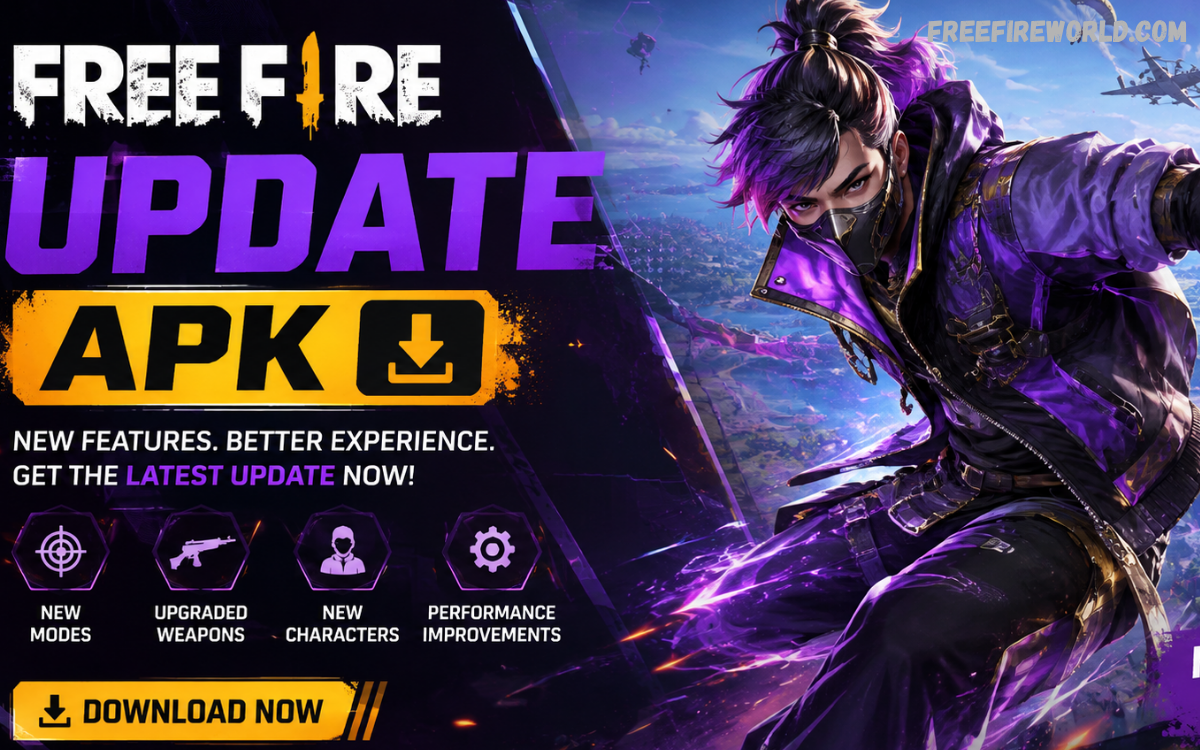
Free Fire update APK searches are popular among Android players who want access to the latest game improvements, features, events, and performance updates. Garena regularly releases major updates that introduce gameplay changes, new content, balance adjustments, events, and technical improvements. The official Free Fire website currently lists OB54 as the latest major patch note available in 2026.
For Android users, keeping Free Fire updated is important for maintaining compatibility with the latest game servers and accessing newly released content. Garena officially provides Free Fire through Google Play for Android devices rather than requiring players to rely on unofficial APK websites.
What Is Free Fire Update APK?
A Free Fire update APK generally refers to the Android package associated with an updated version of Free Fire. Players often use this term when searching for information about the newest version, installation requirements, update features, and changes introduced by Garena.
The safest approach is to update the game through an official distribution channel. Unofficial modified APKs can create security and account risks, while Garena specifically prohibits modified game clients and unauthorized third-party software.
Why Do Update Free Fire?
Regular updates help keep the game compatible with current servers and operating systems. They can also introduce new gameplay mechanics, events, maps, characters, interface improvements, balance changes, and bug fixes.
Garena’s 2026 update history demonstrates this continuing development. Its official news archive lists OB52, OB53, and OB54 updates alongside announcements and collaborations released throughout the year.
Latest Free Fire Update in 2026
Garena published the OB54 Patch Notes on June 23, 2026. The official Free Fire news section identifies OB54 as a major patch and provides the associated patch notes for players interested in the changes.
Players should check Garena’s official news and patch-note pages for the most accurate information because update availability can vary by region, device, and rollout schedule. Avoid relying on social-media posts or unknown APK sources when determining whether a new version is officially available.
New Features and Game Improvements
Free Fire updates typically focus on improving the overall player experience. Depending on the specific release, an update can introduce new modes, limited-time events, gameplay mechanics, character adjustments, interface improvements, and performance optimizations.
Garena’s 2026 campaigns demonstrate how updates can also connect gameplay with seasonal experiences. For example, the Fire Kickoff campaign introduced football-themed content, a special football field, new mechanics, and event rewards during June 2026.
Free Fire Events After Updates
One of the biggest reasons players look forward to updates is the arrival of new events. These events can provide missions, themed activities, cosmetic items, and other in-game rewards.
Garena’s 9th-anniversary celebration in June 2026 was promoted as a major social and in-game celebration, demonstrating how significant events can accompany the game’s ongoing update cycle.
Free Fire Update APK for Android
Android players searching for a Free Fire update APK should first check whether an update is available through Google Play. Garena’s official FAQ identifies Google Play as the Android download location for Free Fire.
Using the official store helps ensure that the installed game comes from a legitimate source. It also reduces the possibility of installing an altered package that could contain unwanted software or violate Garena’s rules.
How to Update Free Fire Safely
Open Google Play on your Android device and search for Free Fire. If an official update is available, select the update option and allow the installation to complete.
Before updating, make sure your device has enough storage space and a stable internet connection. Keeping the operating system and Google Play services reasonably current can also help prevent compatibility problems.
After installation, open Free Fire normally and allow any additional official game resources to download if requested. The exact size of these resources can change between releases.
Avoid Modified Free Fire APK Files
Players sometimes search for modified APK versions promising extra features, unlimited resources, or unauthorized advantages. These versions are not the same as official Free Fire updates.
Garena states that unauthorized third-party programs, modified game clients, and software designed to bypass game security are prohibited. Using such software can therefore create account and security risks.
For a reliable gaming experience, use the official version and avoid APK packages that have been altered by unknown developers.
Free Fire Update APK vs Free Fire MAX
Free Fire and Free Fire MAX are related but provide different experiences. Garena describes Free Fire MAX as a version designed for a more premium Battle Royale experience, including higher-quality visuals and effects, while Firelink allows players across the supported experiences to interact.
When searching for an update, players should confirm whether they need the standard Free Fire application or Free Fire MAX. Installing the wrong application can lead to unnecessary downloads or confusion about available features.
Performance Improvements
Updates can also address technical problems affecting gameplay. Developers may improve stability, fix bugs, optimize certain systems, and adjust performance across supported devices.
However, an update cannot guarantee identical performance on every smartphone. Device specifications, available storage, operating-system version, background applications, and network conditions can all affect the experience.
Storage Requirements
Before installing a major Free Fire update, check available storage on your device. Game updates may require additional temporary space during installation, even when the final application size appears smaller.
Removing unused applications or unnecessary files can help create sufficient space. Players should avoid downloading suspicious APK packages simply because they appear smaller than the official installation.
Internet Connection
A stable internet connection is recommended when updating Free Fire. Interruptions during an update can cause installation problems or require the download to restart.
Wi-Fi can be useful when downloading large game resources, especially when mobile data is limited. After updating, allow the game to complete any official resource downloads before beginning important matches.
Checking Free Fire Patch Notes
Patch notes are one of the best ways to understand what has changed in a new update. Garena publishes official patch notes through its Free Fire website, including the OB54 update released in June 2026.
Patch notes can help players understand gameplay adjustments, new features, event changes, bug fixes, and other modifications without relying on unverified information.
Free Fire Advance Server
Garena also operates the Free Fire Advance Server, where selected players can test features that have not yet been released in the main version of Free Fire. The official Advance Server describes the program as a way to try upcoming features and provide feedback.
The Advance Server should not be confused with the regular Free Fire update. It is intended for testing and feedback, while the standard game receives official public releases.
Read Also: Free Fire Update Download: Complete Guide to the Latest Version
Common Problems After a Free Fire Update
Some players may experience login issues, resource-download problems, crashes, or temporary performance changes after a major update. These problems do not necessarily mean the APK itself is damaged.
First, check whether the update has completed successfully. Then verify your internet connection, available storage, and application version. If the problem continues, consult Garena’s official support resources rather than downloading an unknown APK as a replacement.
Is Free Fire Update APK Safe?
An official Free Fire update obtained through an authorized distribution channel is the recommended option. An APK downloaded from an unknown third-party website cannot automatically be considered safe simply because it uses the Free Fire name.
Players should be especially cautious about packages advertising unauthorized modifications, unlimited resources, cheats, or other features that are not part of the official game. Garena explicitly prohibits modified clients and unauthorized third-party software.
Benefits of Keeping Free Fire Updated
Keeping the game updated can provide access to the newest official content, compatibility improvements, bug fixes, events, and gameplay adjustments. It also helps ensure that the installed client matches the version expected by the game’s servers.
Regular updates are particularly important when Garena introduces a major patch. Checking the official patch notes before updating can provide a clearer understanding of what has changed.
Frequently Asked Questions
What is Free Fire update APK?
Free Fire update APK refers to the Android package associated with an updated version of Free Fire. Players should obtain the official game through authorized sources.
Where can I update Free Fire on Android?
Garena officially lists Google Play as the Android distribution platform for Free Fire.
What is the latest major Free Fire update?
Garena’s official website lists OB54 as a major 2026 patch, published on June 23, 2026.
Is a modified Free Fire APK safe?
Modified APKs are not recommended. Garena prohibits modified game clients and unauthorized third-party software.
What should I do before updating Free Fire?
Check available storage, use a stable internet connection, and update through an official distribution channel.
What is Free Fire Advance Server?
The Advance Server is an official testing environment where players can try selected upcoming features and provide feedback before broader release.
Why does Free Fire download additional files after updating?
Major updates can require additional official game resources. The game may download these resources after the primary application update has been installed.
Should I use third-party APK websites?
Using an unknown APK source is unnecessary when an official distribution option is available. Google Play is the Android download location identified by Garena.
Does Free Fire MAX receive updates?
Free Fire MAX is separately presented by Garena as its enhanced Free Fire experience and may have its own application update requirements.
Where can I find official Free Fire patch notes?
Garena publishes Free Fire patch notes and announcements on its official website. The 2026 archive includes OB52, OB53, and OB54 patch notes.
Conclusion
The Free Fire update APK keyword commonly refers to players looking for the newest Android version of Free Fire and information about its latest features. For the safest experience, players should use official distribution channels and verify updates through Garena’s official website or Google Play.
Free Fire continues to receive major updates, events, collaborations, and gameplay improvements throughout 2026. By keeping the official game updated and avoiding modified APKs, players can enjoy new content while reducing unnecessary security and account risks.
