
Free Fire is a popular battle royale game where players can create accounts, unlock characters, collect outfits, and compete in online matches. Some players leave the game to start fresh, reduce their gaming time, or stop using an old account.
Understanding how to delete a Free Fire ID helps players decide whether to remove their gaming account. The deletion process depends on the account’s login method, available settings, and Garena’s current account policies.
What Is a Free Fire ID?
A Free Fire ID is the unique number linked to a player’s game account. It identifies the profile, progress, unlocked items, achievements, and other account-related information in Free Fire.
Players often connect their accounts through supported login services, such as Google, Facebook, Apple, or other available platforms. The linked service may affect account access and recovery, so it’s important to understand the connection before requesting account deletion.
Why Players Want to Delete Free Fire ID
Players may want to delete their Free Fire ID for several reasons. Some want to stop playing, protect their privacy, remove an unused account, or move away from online gaming.
Others may have created a second account and no longer need the original one. Before proceeding, consider whether you need to delete the account or if signing out, uninstalling the game, or reducing your gaming time would solve the problem.
How to Delete Free Fire ID Permanently
Not every player can permanently delete a Free Fire account through a simple in-game button. Available options depend on your account type, region, login provider, and Garena’s current support policies.
Open Free Fire and review the account settings for any available account management or deletion option. If no deletion option appears, use the official Garena support channel for your region to ask about permanent account removal.
Check Free Fire Account Settings
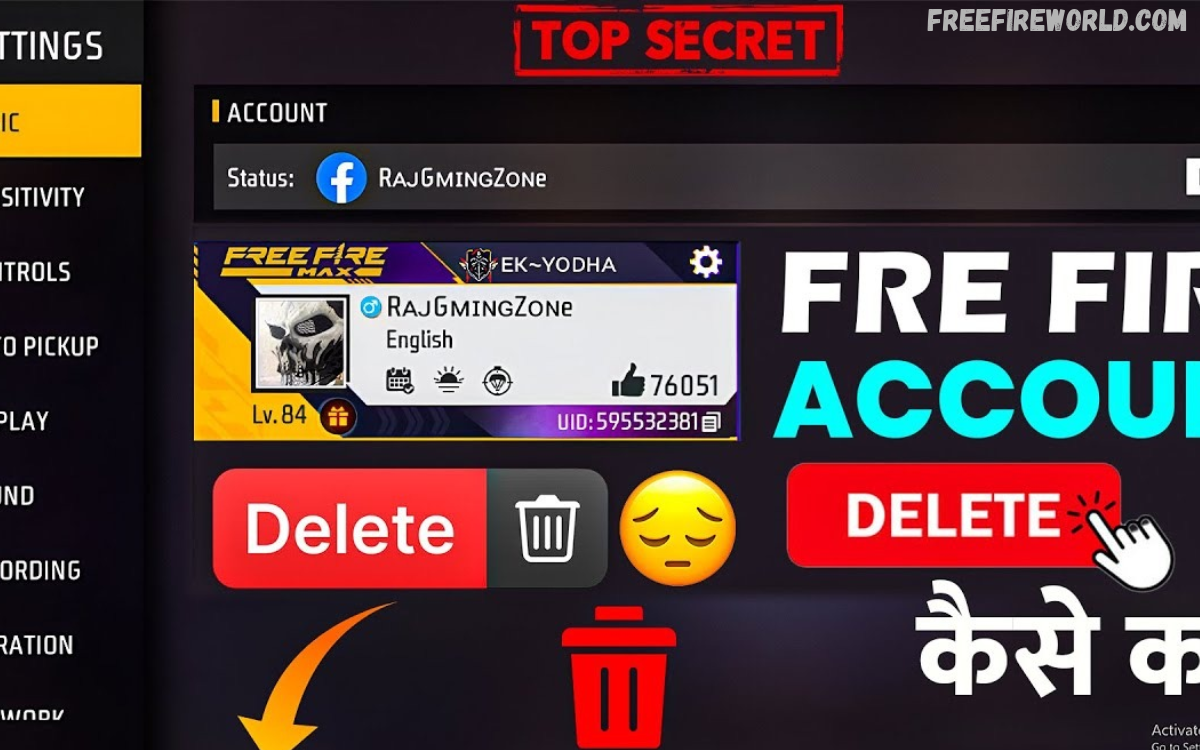
Open Free Fire on your device and go to the Settings menu. Review the account section to identify your linked login provider and check whether an account deletion or removal feature is available.
Settings may change after updates, so the exact menu names can differ between versions. If you cannot find an account removal option, don’t rely on unofficial tutorials that promise guaranteed permanent deletion.
Request Account Deletion Through Garena Support
Garena Support is the right place to ask about account deletion when the game doesn’t offer a direct option. Visit the official support website for your region and look for account-related help or a way to submit a request.
Explain that you want to delete your Free Fire account and ask about the applicable process, eligibility requirements, and consequences. Never share your password, verification code, or other sensitive login details with unofficial websites or individuals claiming they can delete accounts for you.
Understand the Difference Between Deleting and Uninstalling Free Fire
Uninstalling Free Fire removes the game app from your phone, but it doesn’t necessarily delete the account stored on Garena’s systems. Your profile and saved progress may remain associated with the linked login service.
Account deletion is different because it may permanently remove access to game progress and associated account data. If you just want a break from gaming, uninstalling the app or signing out may be enough without risking your account.
What Happens After Deleting a Free Fire ID?
The consequences depend on whether Garena approves a permanent account deletion or the account is simply disconnected from a device. Permanent deletion may cause you to lose access to profile information, game progress, unlocked rewards, and other associated content.
If the account is permanently removed, purchased items, diamonds, character collections, and achievements may also become inaccessible. Review Garena’s current terms and any confirmation message carefully before accepting a deletion request.
Can You Recover a Deleted Free Fire ID?
Recovering a deleted Free Fire account depends on the deletion status and Garena’s policies. An account that has only been logged out or temporarily inaccessible may still be recoverable through its original linked login method.
A permanently deleted account may not be recoverable once the removal process has been completed. Contact official Garena support as soon as possible if you submitted a deletion request by mistake or lost access unexpectedly.
How to Remove Free Fire From a Google Account
Some players confuse deleting their Free Fire account with removing a connected Google login. These actions differ because removing a connection may affect how you sign in without automatically deleting your game account or stored data.
Before changing a Google connection, check the account settings and the official guidance for your login method. Don’t remove access unless you know how you will sign in afterward, especially if Google is your only way to access the game.
How to Disconnect Free Fire From Facebook
Players who use Facebook to sign in can review connected applications in Facebook’s settings. Removing Free Fire from a connected-app list does not necessarily delete the Free Fire account itself.
Before disconnecting the service, confirm whether another supported login method is available. Changing a login connection without understanding the consequences may make it harder to access the existing account or its progress.
Things to Check Before Deleting Free Fire ID
Before requesting deletion, confirm that you understand the possible loss of game progress, purchased content, and account access. Take time to review any linked services and the official deletion instructions relevant to your account.
If you have purchases or payment concerns, keep relevant receipts and transaction records. Never assume that deleting a game account automatically cancels unrelated subscriptions or resolves payment matters managed by another service.
Read Also: How to Unlock Free Emotes in Free Fire MAX
Common Problems When Deleting Free Fire ID
Some players cannot locate a deletion option, access their linked login account, or submit a support request. These problems may arise from regional differences, outdated game versions, account restrictions, or changes to the support process.
Use the official support website and provide accurate information requested through its secure forms. Avoid third-party services that ask for account passwords, verification codes, or payment in exchange for a guaranteed account deletion.
Is It Safe to Use Third-Party Free Fire ID Deletion Websites?
Unofficial websites that promise instant Free Fire account deletion may expose players to scams, phishing, or account theft. Garena cannot be assumed to support services that are not listed through its official channels.
Use only trusted, official account settings and support resources. If a website asks for your password or verification code, don’t provide it; those details can let someone else access your account.
Alternatives to Deleting Free Fire ID
Permanent deletion is not the only option for players who want to stop using Free Fire. Signing out, uninstalling the game, disabling notifications, or setting personal gaming limits can help reduce distractions while keeping the account available.
If you want a fresh start, check whether the game supports another account option and understand its rules before creating a new profile. Keeping an existing account may be useful if you decide to return to the game later.
Frequently Asked Questions
Can I permanently delete my Free Fire ID?
Permanent deletion depends on the options and policies available for your account and region. Check the in-game settings or contact official Garena support to confirm the correct process.
Does uninstalling Free Fire delete my account?
No. Uninstalling the application generally removes the game from your device but does not automatically delete the account from Garena’s systems.
Will I lose my Free Fire diamonds after account deletion?
If an account is permanently deleted, its associated diamonds and other game content may become inaccessible. Review the official deletion terms before confirming your request.
Can I delete Free Fire without accessing my account?
You may need to verify ownership before Garena can process an account-related request. Contact official support to learn what recovery or verification options are available.
Can I recover my Free Fire ID after deletion?
Recovery depends on the account’s status and Garena’s policies. Contact official support promptly if you believe the account was deleted accidentally.
Does removing Facebook delete my Free Fire ID?
Removing a Facebook connection does not necessarily delete the Free Fire account. Check the account’s login settings and official instructions before disconnecting any service.
Is Free Fire account deletion free?
Using official account settings or submitting a support request should not require payment to an unofficial deletion service. Be cautious of websites demanding money to guarantee account removal.
Conclusion
Learning How to Delete Free Fire ID helps players understand their options before leaving the game permanently. The right process depends on how you logged in, the settings available, and Garena’s current policies.
Review the consequences carefully, protect your linked accounts, and contact official support if you can’t find a deletion option. If you only want to stop playing temporarily, signing out or uninstalling Free Fire may be a simpler choice that preserves the possibility of returning later.
